Introduction
Arif is Qriib's governed AI assistant for working with business data through natural language. It helps users ask questions, find records, prepare reports, draft plans, create documents, and complete approved workflows while staying inside Qriib's permissions and safety controls.
Why Arif?
Business systems can be difficult to navigate when work spans finance, CRM, support, files, approvals, and reporting. Arif gives users a conversational way to work across those areas without removing the controls that make enterprise systems safe.
- Natural language work - Ask for outcomes in plain English or Arabic.
- Grounded business context - Arif uses permitted schemas, records, prior session context, and approved knowledge sources before it acts.
- Governed execution - Sensitive changes can require approval before they run.
- Undo support - Supported changes are tracked so users can ask Arif to roll them back.
- Plan mode - Users can ask Arif to inspect context and produce a reviewable plan before execution.
- Extensible tools - Plugin Hub and MCP let organizations connect approved business tools and data sources.
What Arif Can Help With
- Search, summarize, and explain permitted business records.
- Create, update, submit, cancel, or delete records when the user has permission and policy allows it.
- Generate files, PDFs, comments, assignments, notifications, and supported Drive actions.
- Help with onboarding and setup tasks through guided conversation.
- Analyze business data and support reporting workflows.
- Use organization knowledge, policies, and examples as context for better answers.
- Draft or execute approved communication through configured connectors.
How It Works
Arif first gathers relevant context, then lets the configured AI model decide whether to answer directly or call an approved tool. Tool calls pass through Qriib permissions and Arif safety policy. When an operation changes data, Arif records enough context to show the result and support rollback where possible.
Getting Started
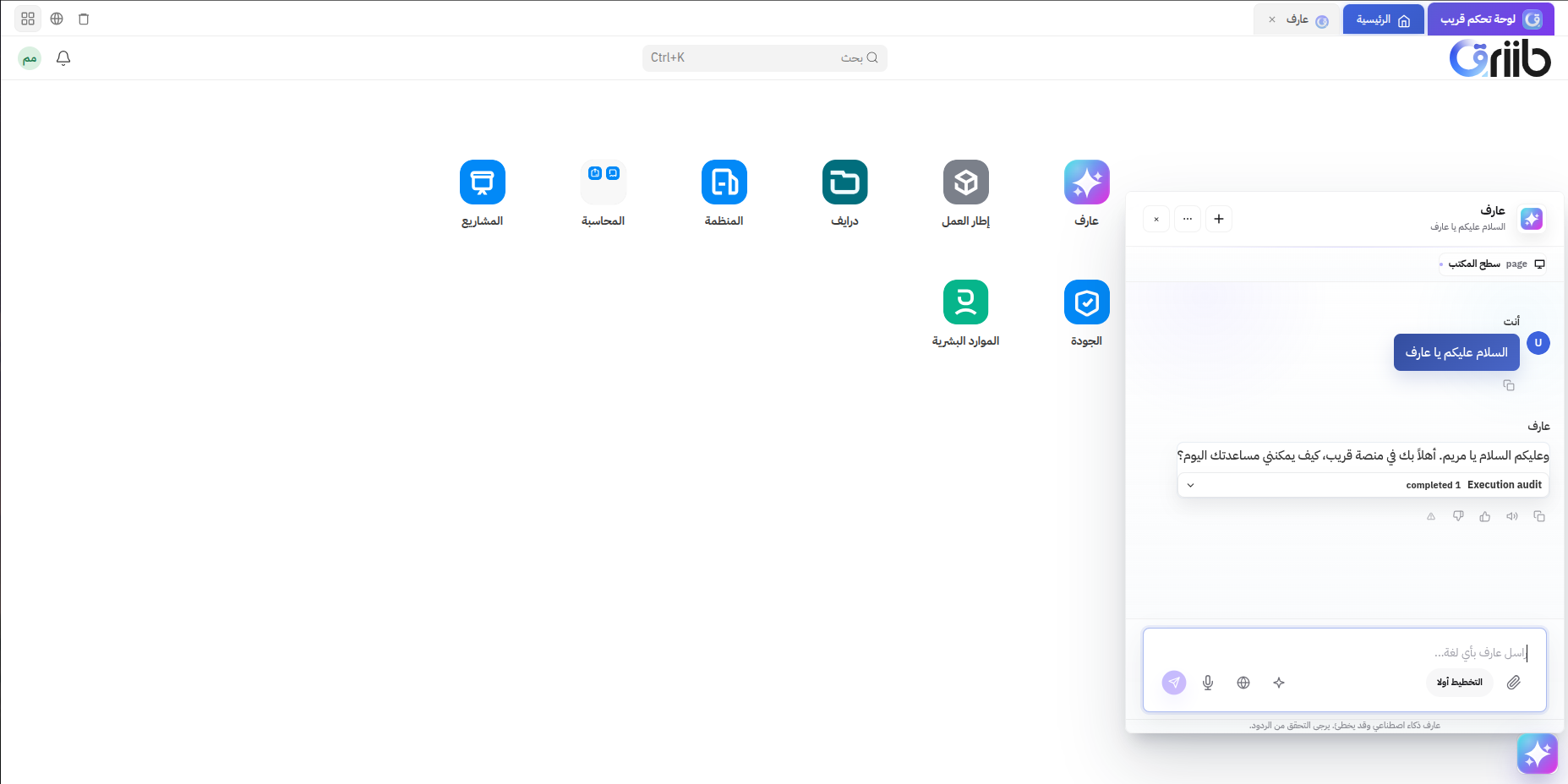
Open Arif from Qriib Business, start a new chat, and describe the result you want. For sensitive work, use Plan mode first so Arif can inspect context and prepare a reviewable plan before making changes.