Email Error in Sending or Receiving
In Qriib ERP, you can customize the Incoming and Outgoing Email Gateway. On saving an Email Account, Qriib ERP tries establishing a connection with your email gateway. If your Qriib ERP account is able to connect fine, then Email Account is saved successfully. If not, then you might receive an error as below.
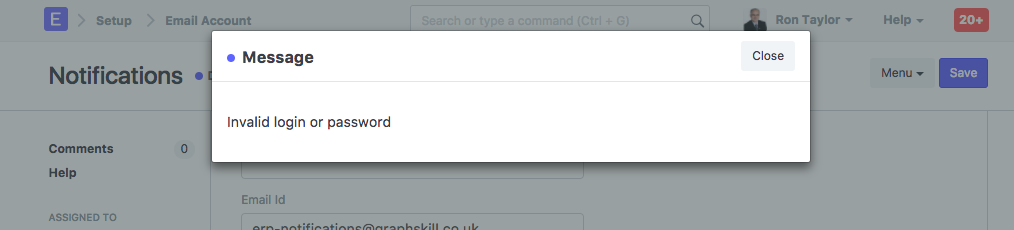
This indicates that using login credentials and other email gateway details provided in the Email Account, Qriib ERP is not able to connect to your email server. Please ensure that you have entered valid email credentials for your Email Gateway. Once you have configured Email Account successfully, you should be able to send and receive emails from your Qriib ERP account fine.
Note: Your Qriib ERP account is connected with an Qriib ERP email server by default. If you don't want to use your own email server, you can continue sending emails using Qriib ERP email server, without any configuration required in the Email Account.
Last updated 3 weeks agoWas this helpful?
Submit
Thanks!